
Download G Cloud Backup – cloud backup, data backup, Android backup, iOS backup, secure backup, automatic backup, G Cloud Backup
Overview
G Cloud Backup is a cloud-based data protection tool developed by Genie9 LTD, designed to safeguard critical information stored on mobile devices. The software enables users to securely store and manage personal data across multiple platforms, primarily targeting individuals and consumers seeking reliable backup solutions for their smartphones. By offering automatic synchronization of contacts, call history, documents, media files, and application settings, G Cloud Backup addresses the common risk of data loss due to device failure, theft, or accidental deletion.
The service is accessible via both Android and iOS, allowing users to maintain continuity when switching devices or recovering from unexpected disruptions. With a free tier providing up to 10GB of storage, the tool lowers the barrier to entry for users who prioritize data security without financial commitment. Real-world use cases include backing up family photos, preserving important documents, and ensuring seamless transitions during device upgrades.
The developer did not provide additional details about the company’s background beyond its name. Platform compatibility information is limited to Android and iOS, with no mention of desktop or web-based access.
Key Features & Capabilities
- Automatic Backup: The software automatically uploads selected data when the device is connected to Wi-Fi, eliminating the need for manual intervention. This ensures consistent data protection without user oversight.
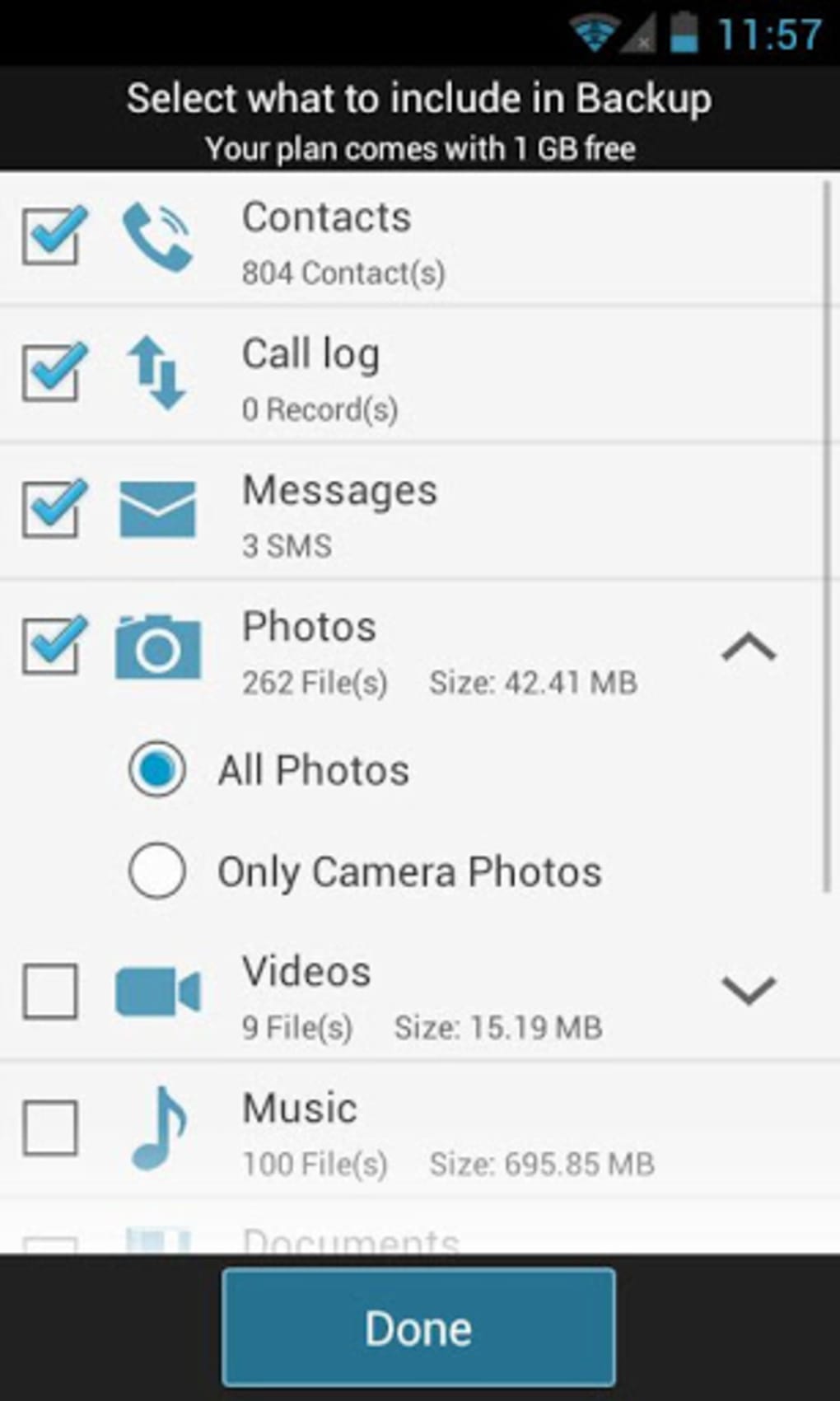
- Comprehensive Data Coverage: Supports backup of contacts, call history, documents, application settings, full-resolution photos and videos, music, and messages from apps like WhatsApp and Viber.
- Secure Encryption: All backed-up data is protected using AES-256 encryption, a standard recognized for high-level data security, ensuring confidentiality during transit and storage.
- Multi-Platform Access: Available on both Android and iOS, enabling users to access their backups across different device ecosystems.
- Seamless Restoration: Users can restore all backed-up data to a new device, facilitating quick recovery and minimizing downtime during device replacement.
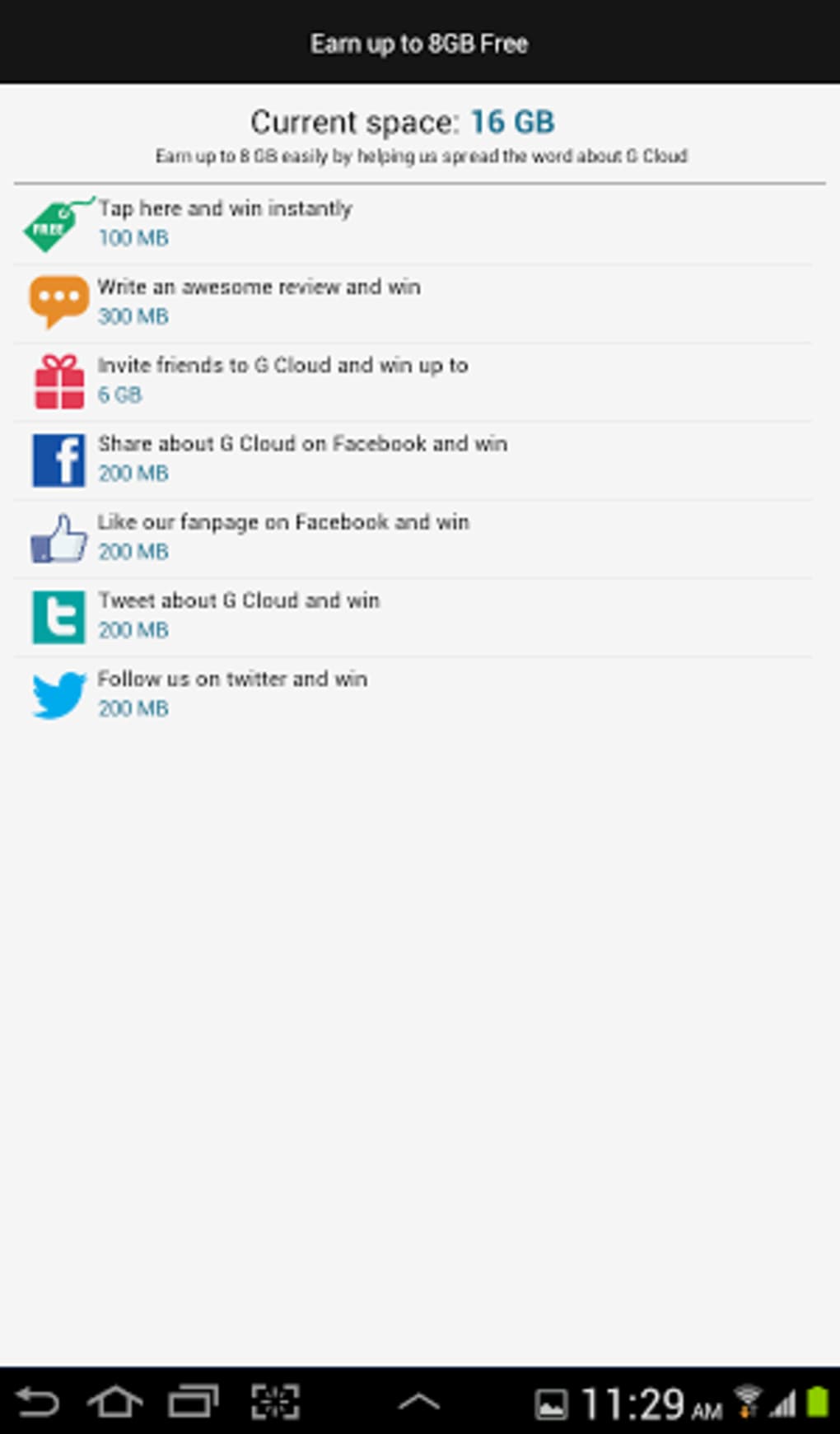
- Scalable Free Storage: Offers an initial 1GB of free space, which can be expanded to up to 10GB through usage incentives, making it accessible for users with moderate storage needs.
These features collectively support scenarios such as migrating to a new smartphone, recovering lost media after a device crash, or protecting sensitive personal information from unauthorized access. The automation aspect enhances reliability, while the encryption ensures trust in the service’s integrity.
User Interface, Workflow & Performance
The user interface of G Cloud Backup is described as straightforward and easy to navigate, aligning with the expectations of general consumers who may not have advanced technical expertise. The layout prioritizes clarity, allowing users to initiate backups, view storage usage, and manage settings with minimal effort. Navigation is intuitive, with core functions accessible through a centralized dashboard.
Workflow efficiency is enhanced by the automatic upload feature, which reduces user involvement after initial setup. The software operates in the background when connected to Wi-Fi, minimizing disruptions to daily device use. Performance observations are based on general software behavior patterns.
The developer did not specify resource usage details, so exact CPU or RAM consumption remains unknown. Stability is implied through the consistent operation of automated processes, though no formal testing data was provided. No reports of crashes or malfunctions were included in the available information.
The application’s lightweight nature—evidenced by a 15.8 MB installation size—suggests it is designed to operate efficiently on a range of mobile devices without imposing significant system load.
Compatibility & System Requirements
G Cloud Backup is compatible with both Android and iOS operating systems, as confirmed by the developer. The software version is 2.5.2, with a file size of 15.8 MB, indicating a compact installation footprint suitable for devices with limited storage capacity. The developer did not specify exact system requirements, including minimum OS versions or hardware specifications such as RAM or processor type.
Compatibility information was partially provided, with no mention of desktop or web-based interfaces. Users are advised to verify system compatibility through official channels before installation. The absence of detailed technical specifications limits the ability to assess performance on older or low-end devices.
No information was provided regarding updates, background sync frequency, or network usage thresholds.
Pros and Cons
Pros
- Free access to up to 10GB of secure cloud storage
- Automatic backup triggered by Wi-Fi connection
- Supports a wide range of data types including media, messages, and app settings
- Uses AES-256 encryption for data protection
- Simple, user-friendly interface suitable for non-technical users
- Available on both Android and iOS platforms
- Seamless data restoration on new devices
Cons
- Exact system requirements were not listed
- Performance and resource usage details were not provided
- No information on web or desktop access
- Free tier limits may affect users with large data volumes
- Developer background and company history not disclosed
FAQ Section
Is G Cloud Backup available for both Android and iOS?
Yes, G Cloud Backup is available on both Android and iOS platforms, allowing users to back up data from a variety of mobile devices.
Is the backup process secure?
Yes, all data is encrypted using AES-256, a widely recognized standard for secure data protection during transmission and storage.
Can I restore my data on a new device?
Yes, backed-up data can be restored to any new device, enabling a smooth transition when upgrading or replacing your smartphone.
Does G Cloud Backup require an internet connection?
Yes, an internet connection is required for uploading data. The software automatically initiates backups when connected to Wi-Fi.
Is there a license type or subscription model?
Currently, the software is offered free of charge with no subscription model mentioned. The free tier includes up to 10GB of storage.
Final Thoughts
G Cloud Backup presents a compelling option for consumers seeking a straightforward, secure, and automated way to protect their mobile data. Its ability to back up a broad range of file types—including photos, messages, contacts, and app settings—combined with AES-256 encryption, makes it a reliable choice for personal data preservation. The free access to up to 10GB of storage enhances its appeal, especially for users who want to avoid recurring costs.
While the lack of detailed system requirements and performance metrics limits deeper technical evaluation, the software’s lightweight design and intuitive interface suggest broad compatibility and ease of use. It is particularly beneficial for individuals who frequently upgrade devices or value peace of mind when storing sensitive information. For those prioritizing simplicity, security, and cross-platform availability, G Cloud Backup delivers a solid foundation for mobile data protection.
Download G Cloud Backup now.





.png)

